 Profile Customizer
Facebook themes
Change how all of Facebook looks: the feed, menus, chat, Marketplace and every popup. Each theme is hand-tuned so text stays easy to read. Hover over one in the extension to preview it live, then click to keep it.
Free themes
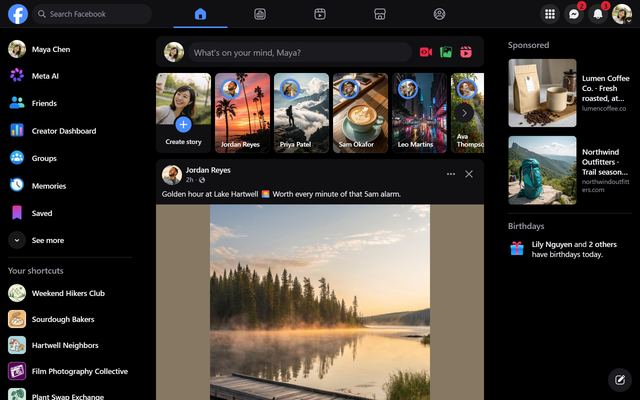
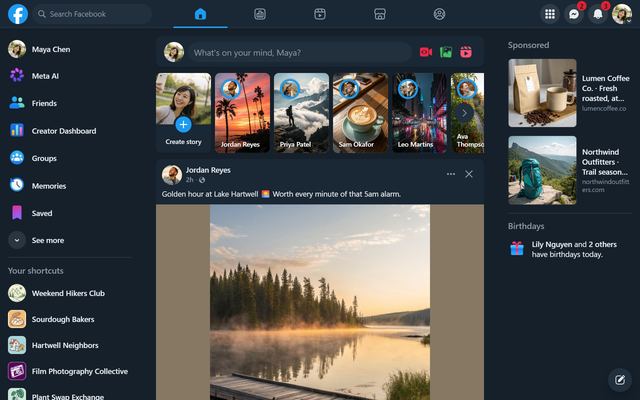
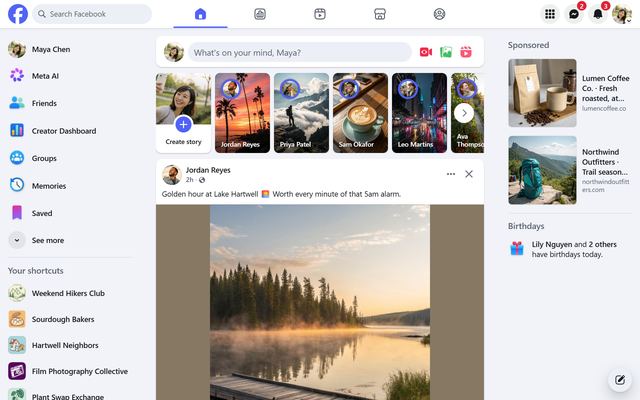
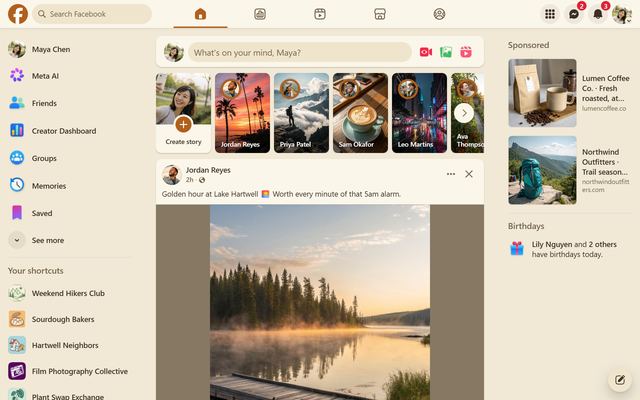
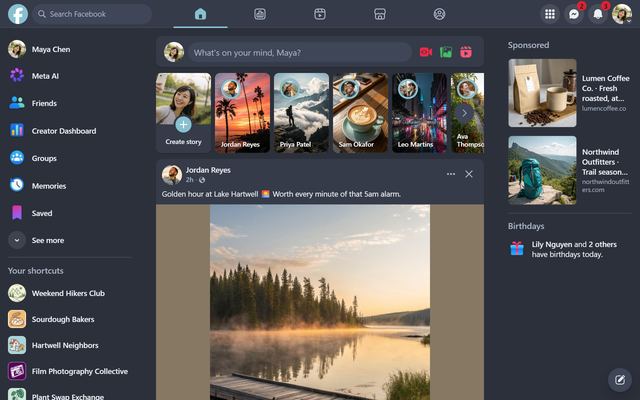
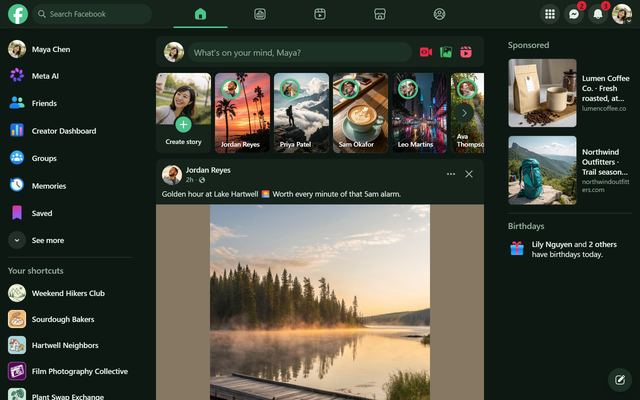
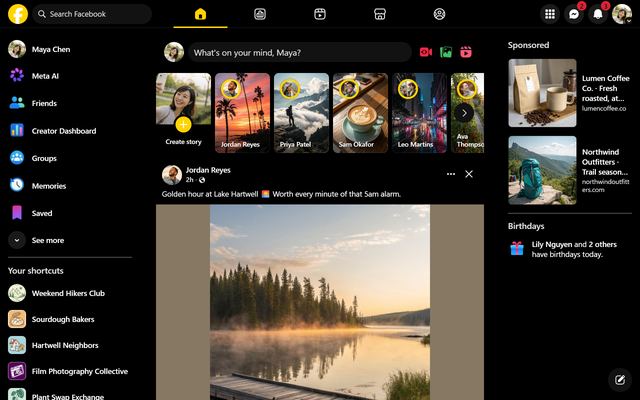
Dark themes
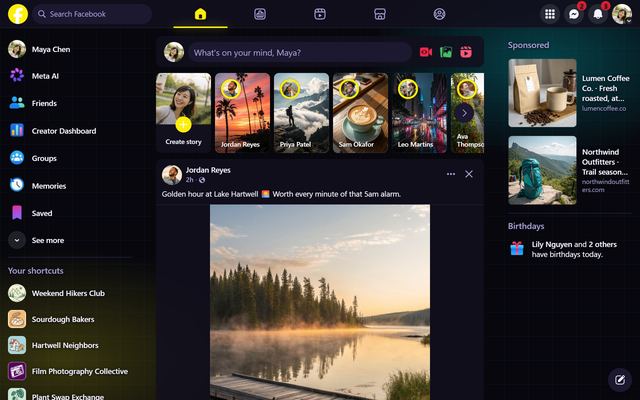 Cyberpunk
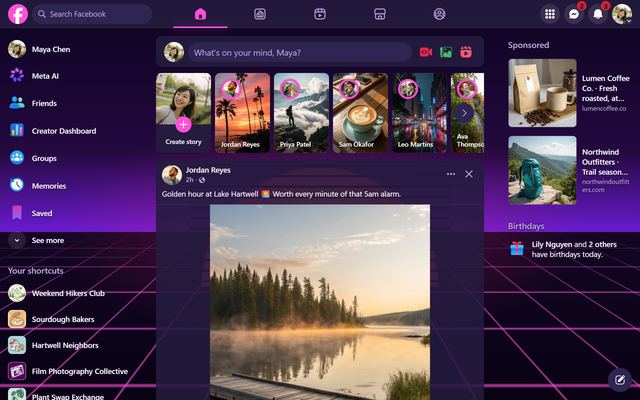 Synthwave '84
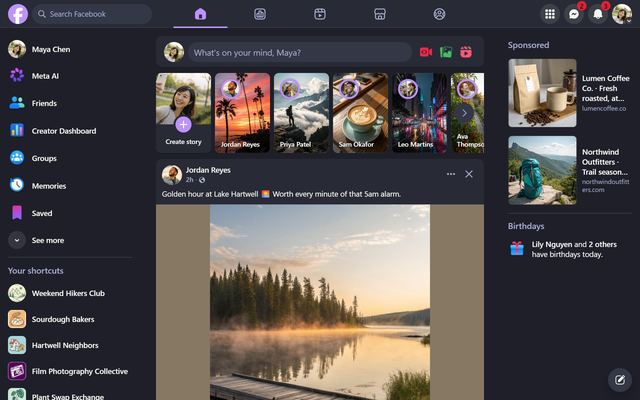 Dracula
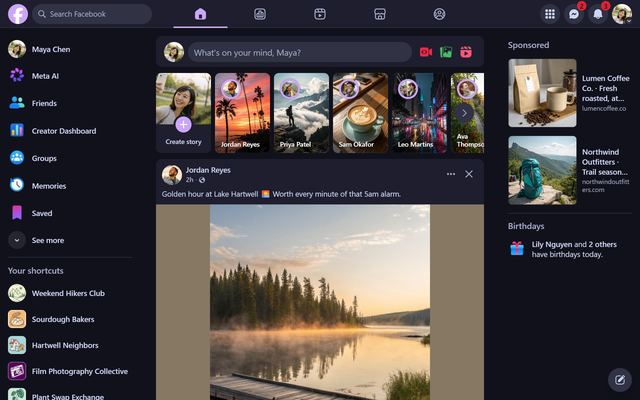 Catppuccin Mocha
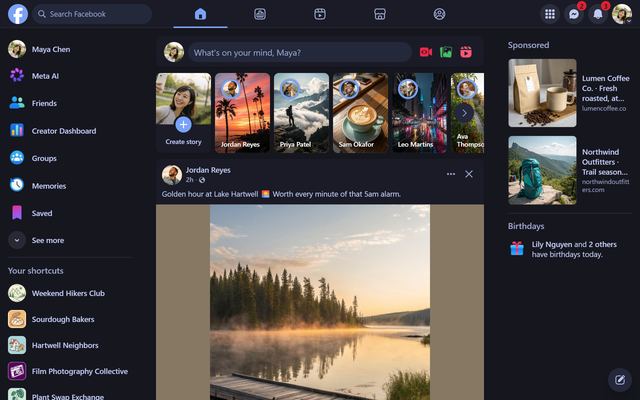 Tokyo Night
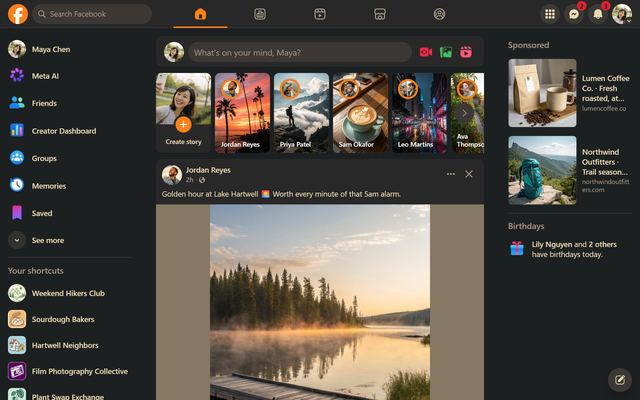 Gruvbox
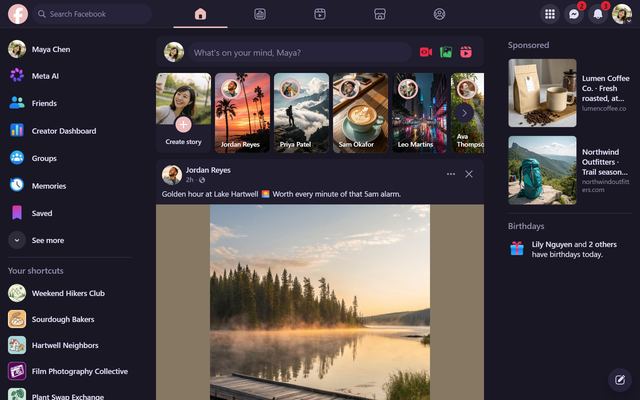 Rosé Pine
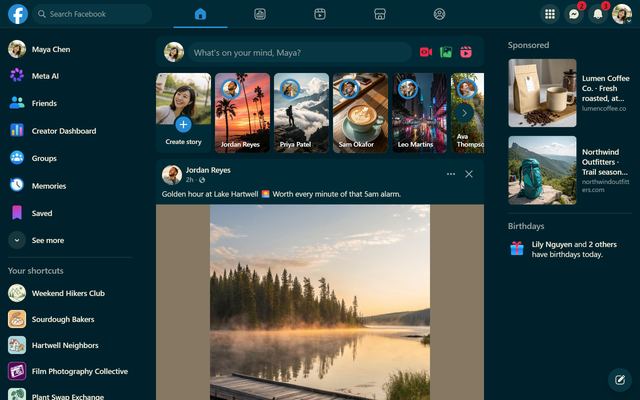 Solarized Dark
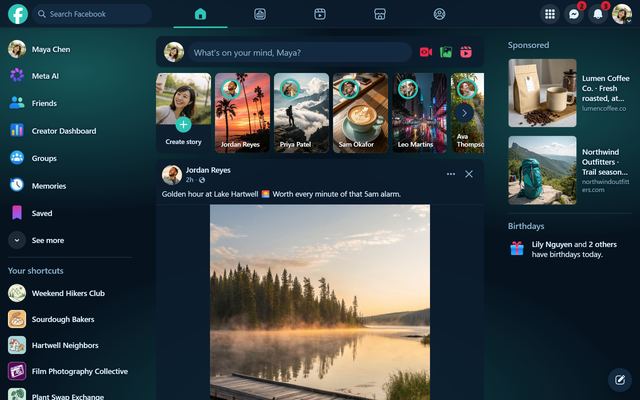 Deep Ocean
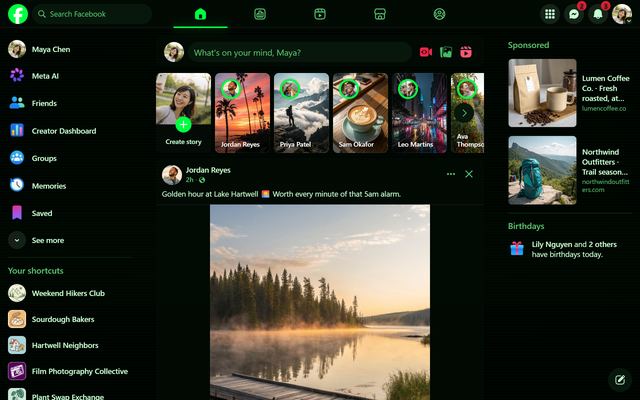 Matrix
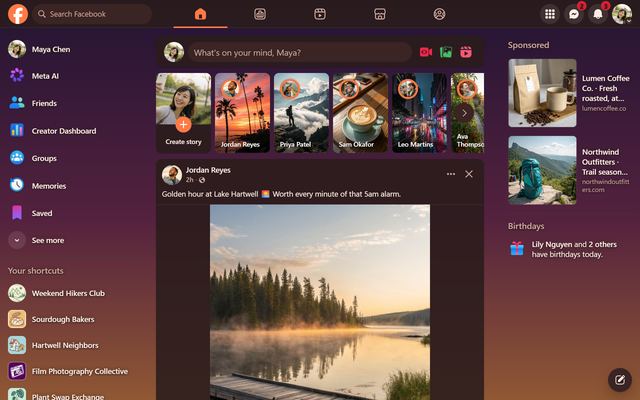 Sunset
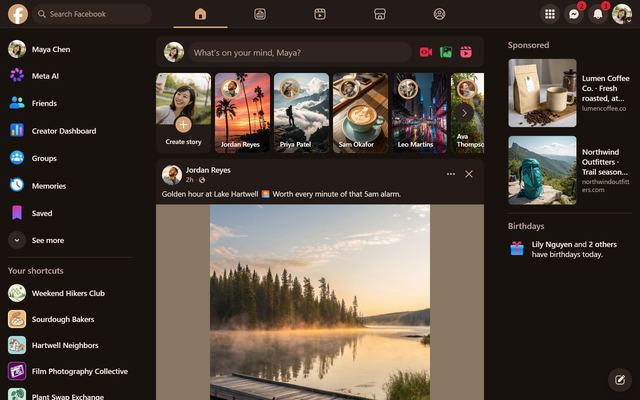 Espresso
Light themes
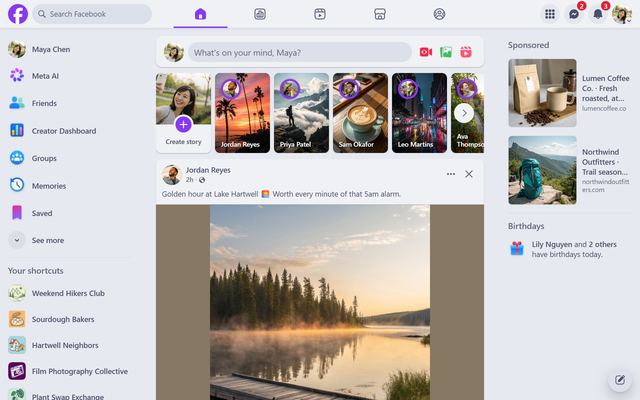
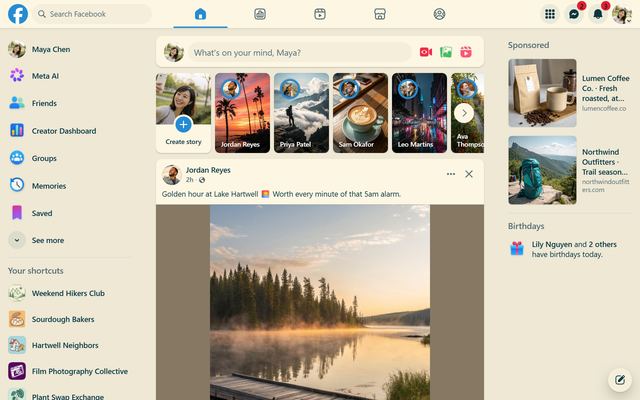
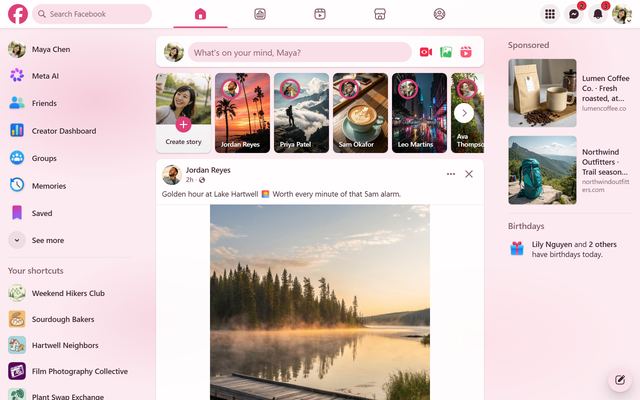
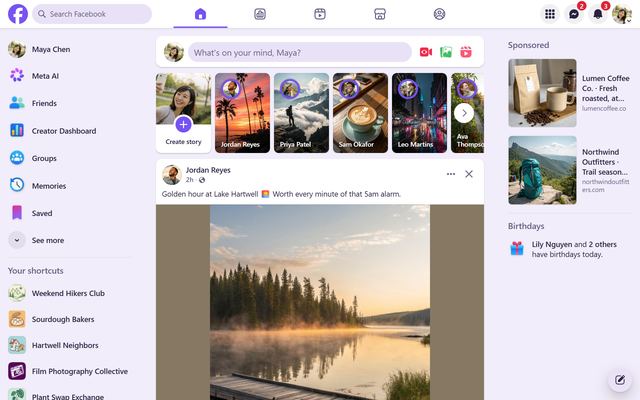
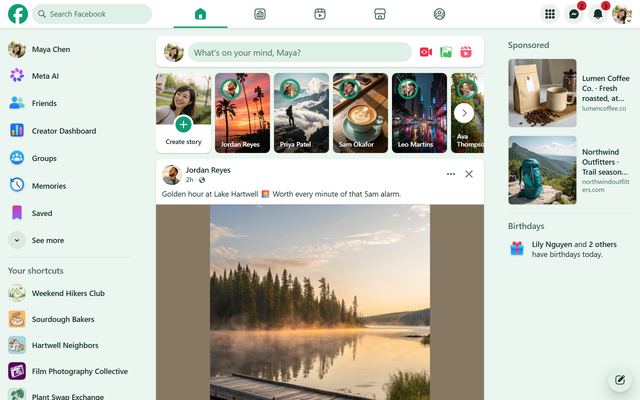
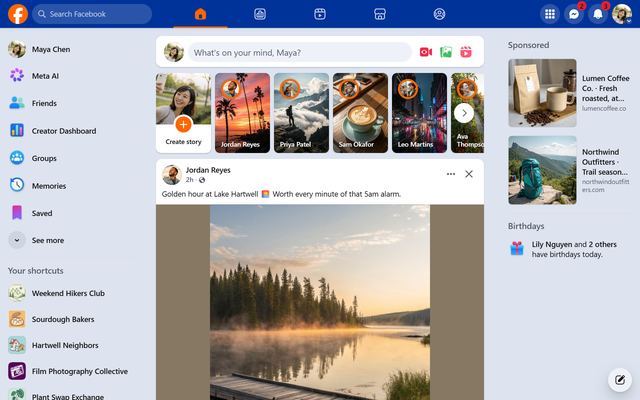
Or make your own
Pick five colors (background, cards, text, soft text and accent) and Profile Customizer builds a complete theme from them. How to change Facebook's colors.
Questions
How do I change my Facebook theme?
Add Profile Customizer, open facebook.com and click the round rainbow button at the bottom right. Hover over a theme to preview it, then click to keep it.
Which themes are free?
Midnight, Dim, Cloud, Paper, Nord, Forest and High Contrast are free. The other 18 themes and custom themes come with Pro, which you can try before you buy.
Can I make my own Facebook theme?
Yes. Pick five colors in the Style tab and Profile Customizer builds a complete, readable theme from them (Pro).
Do themes work in dark mode and light mode?
Each theme replaces Facebook's colors completely, so it looks the same whichever mode Facebook is in. You can also switch themes automatically with your device's light or dark setting.