 Profile Customizer
Guides
How to change Facebook on your computer: what Facebook's own settings can do, and what you can do beyond them.
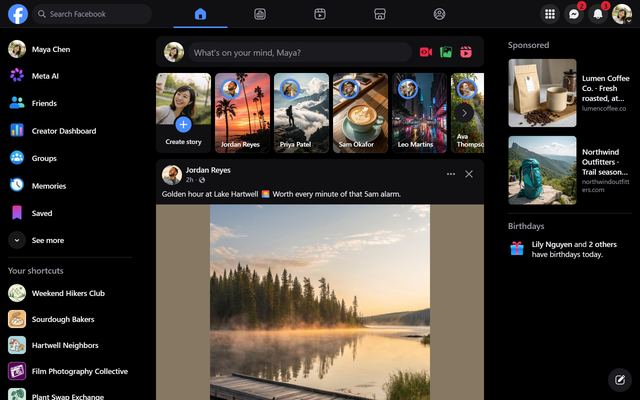
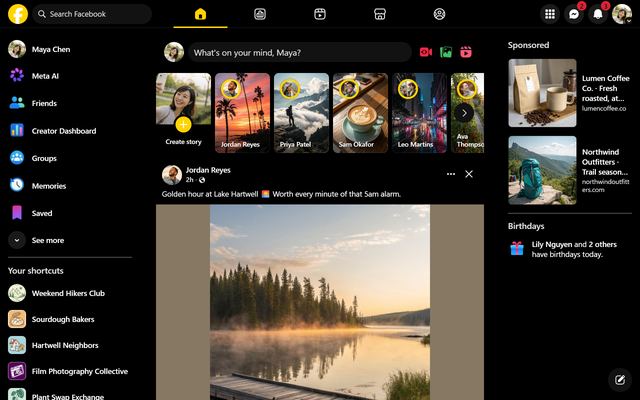
Facebook dark mode on desktop, done properly
Turn on Facebook's built-in dark mode on your computer, or go further with true black, Dim, Nord and more dark themes that switch on automatically at night.
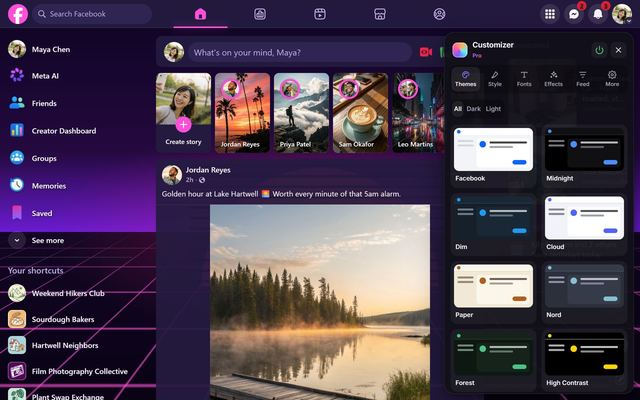
How to change Facebook's colors
Facebook only offers light and dark. Here's how to change Facebook's color to anything you like: 25 ready-made themes, any accent color or your own palette.
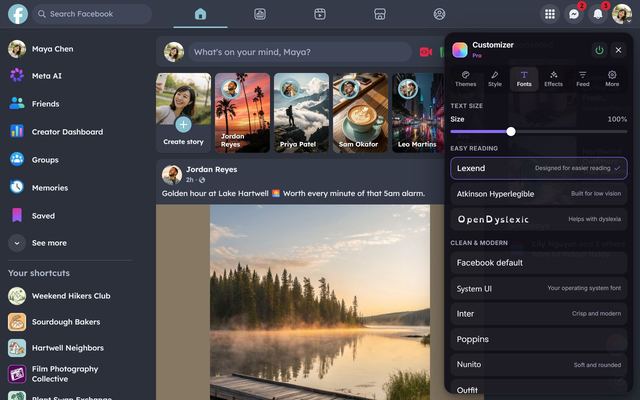
How to change the font on Facebook
Facebook has no font setting. Here's how to switch Facebook to one of 20 fonts, from dyslexia-friendly Lexend to handwriting and retro pixels.
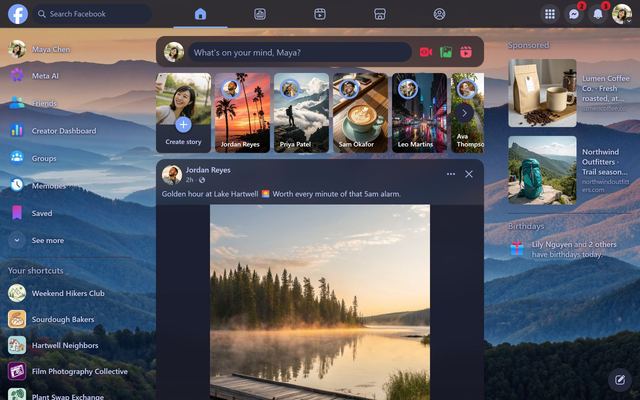
How to put a background picture on Facebook
Facebook has no background setting. Here's how to set a wallpaper or your own photo behind Facebook, with frosted-glass cards so posts stay readable.
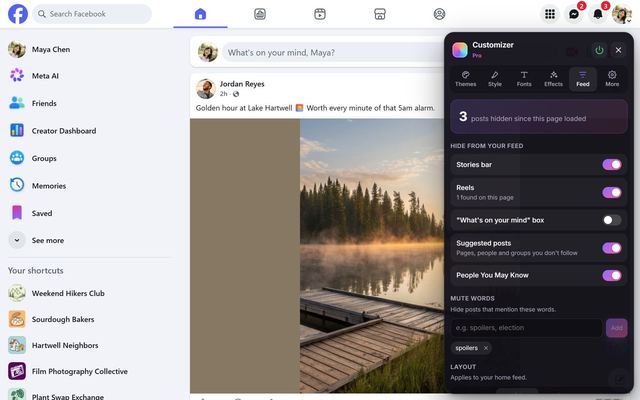
How to hide Reels and Stories on Facebook
Facebook's own options only show you fewer Reels. Here's how to remove Reels, short videos and the Stories bar from your Facebook feed on desktop.
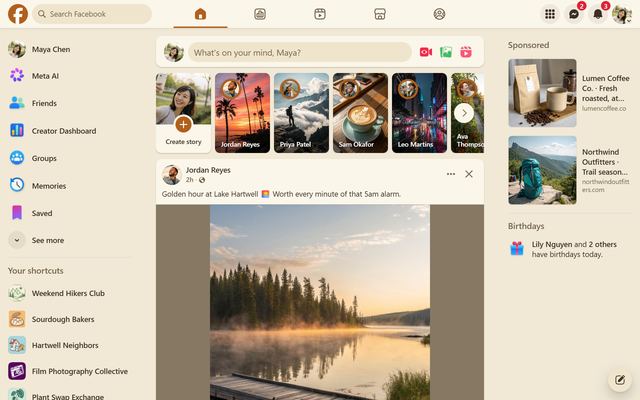
How to hide suggested posts and People You May Know
Facebook keeps filling your feed with posts from people and Pages you don't follow. Here's how to see more of your friends and hide suggestions on desktop.
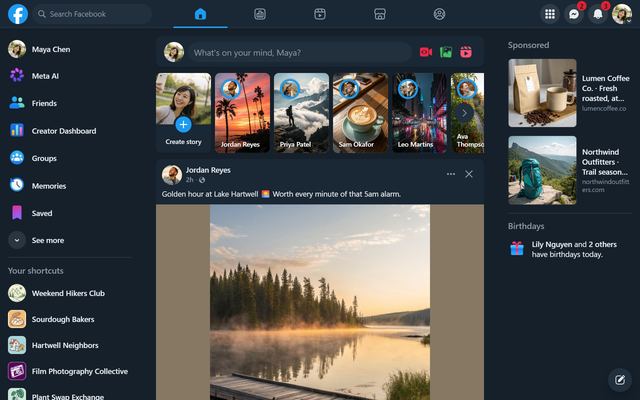
How to mute words on Facebook
Facebook can snooze people but can't filter words. Here's how to hide Facebook posts that mention spoilers, politics or any word you choose.
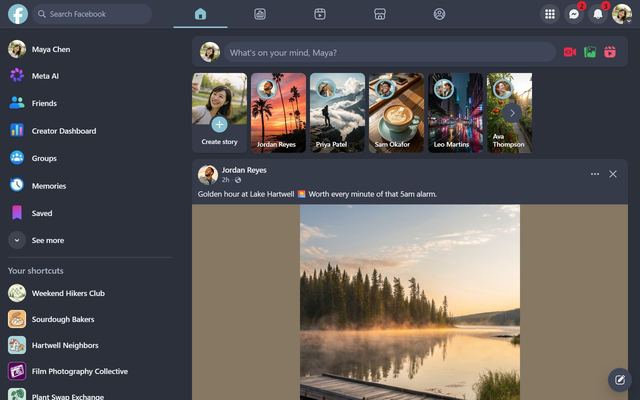
How to make Facebook's feed wider
On a big screen Facebook squeezes posts into a narrow column. Here's how to widen the feed, hide the side menus and use your whole monitor.
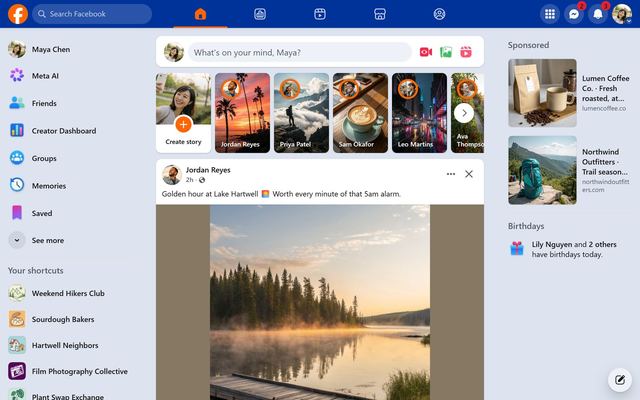
Make Facebook look like Myspace
Miss 2006? The Myspace 2006 theme gives Facebook a royal-blue top bar, orange links and white boxes. Here's how to get it, and what's coming next.
Make Facebook easier to read
Bigger text without zooming, dyslexia-friendly fonts, high-contrast and low-glare themes, and less motion. Free accessibility options for Facebook on desktop.