 Profile Customizer
Make Facebook look like Myspace
Updated October 25, 2026
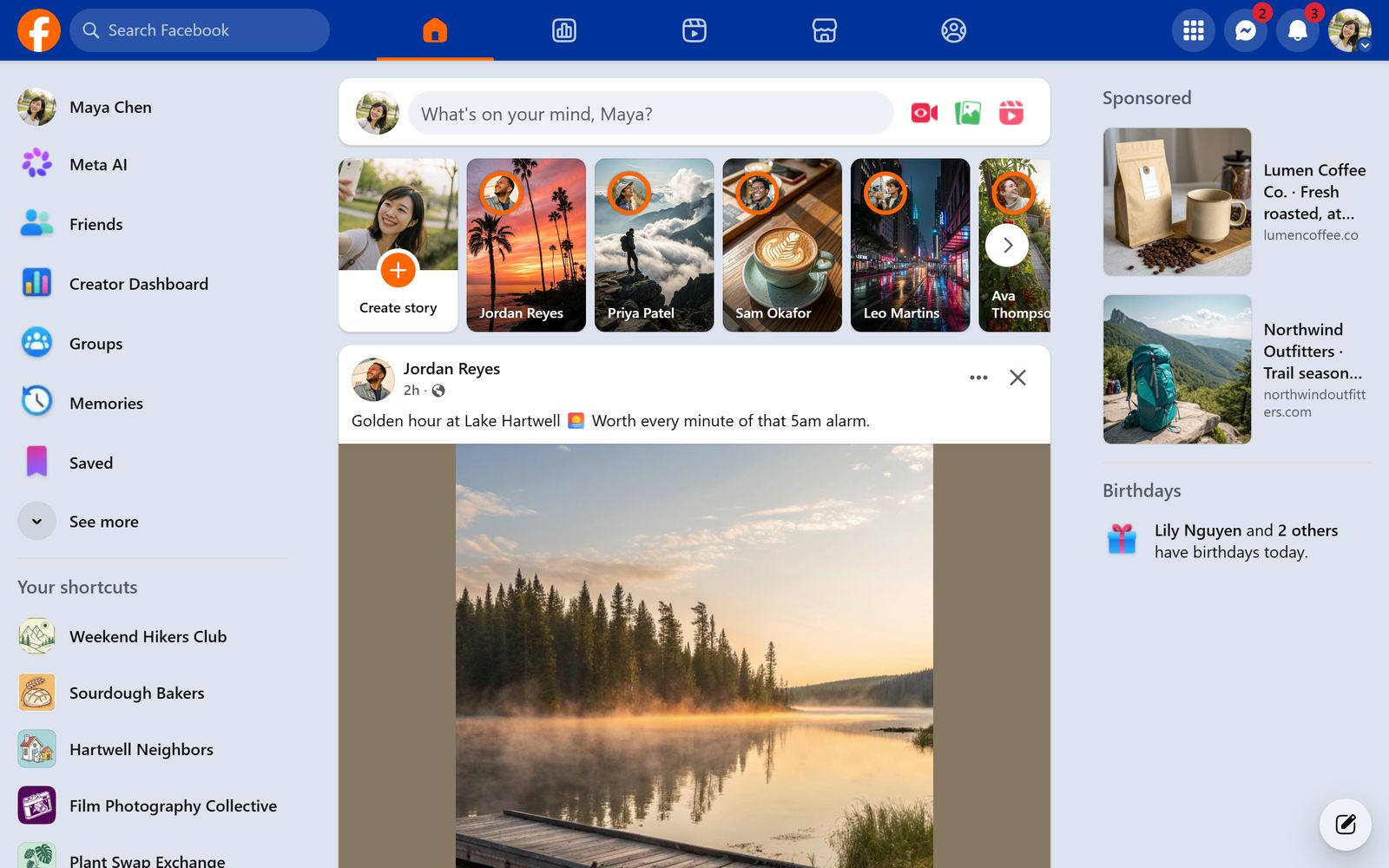
Before Facebook took over, your profile page was yours: a background you picked, a song that played when friends visited, and probably too much glitter. Profile Customizer's Myspace 2006 theme brings back the look.
The Myspace 2006 theme
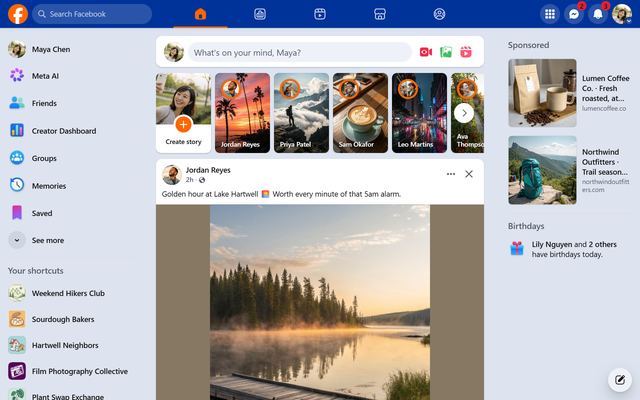
A royal-blue top bar, orange links and bright white boxes on a pale blue page, applied to every part of Facebook: your feed, profiles, groups, menus and chat. It's a Pro theme, and you can try it live before you buy.
- Add Profile Customizer to your browser.
- Open facebook.com and open the customizer: click the round rainbow button at the bottom right, click the extension icon, or press Alt+Shift+C.
- In the Themes tab, hover over Myspace 2006 to preview it, then click to keep it.
Go full 2006
- Pick a fun font like Comic Sans or Pixelify Sans in the Fonts tab.
- Add a Starfield or Dots wallpaper in the Style tab.
- Put a Rainbow or Neon pulse ring around profile pictures in the Effects tab.
- Switch to the Heart or Star cursor.
Coming next: profiles your friends can see
Today your look is only on your screen. We're building shared profiles: a theme, a song or playlist and an "about me" box that friends who also use Profile Customizer will see when they visit your profile.
Questions
Is there a Myspace theme for Facebook?
Yes. Profile Customizer includes a Myspace 2006 theme that restyles all of facebook.com in Myspace-era colors.
Can my friends see it?
Not yet. Themes are only on your screen today. Shared profiles, which friends with the extension can see, are in development.
Is this affiliated with Myspace?
No. It's a tribute theme. Profile Customizer isn't affiliated with Myspace or Meta.