 Profile Customizer
Facebook dark mode on desktop, done properly
Updated October 25, 2026
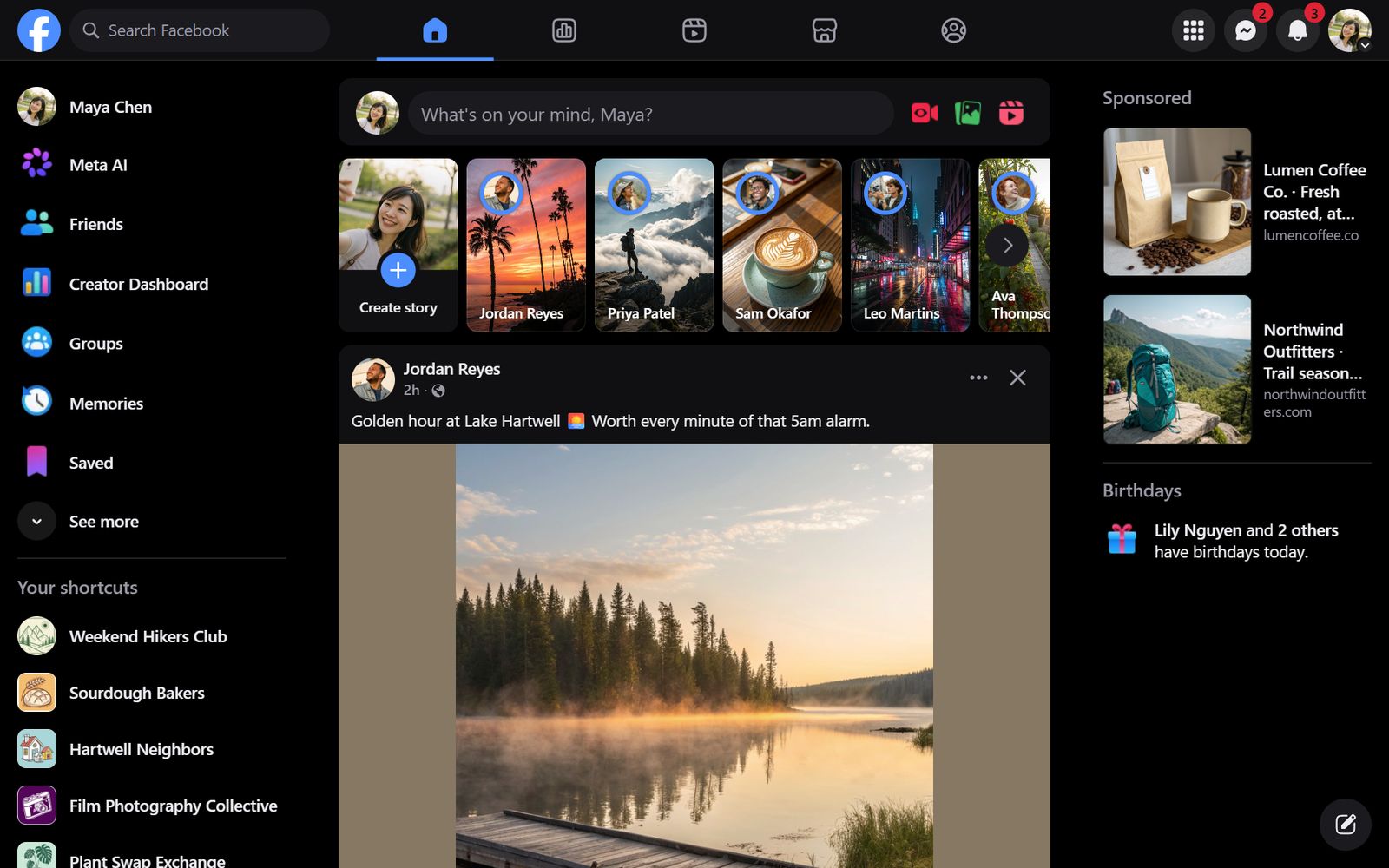
Facebook has a built-in dark mode on desktop, and it's a good start. But it offers one shade of dark gray, no true black for OLED screens and no way to switch on at a set time. Here's how to turn it on, and how to get the dark theme you actually want.
Turn on Facebook's built-in dark mode
- On facebook.com, click your profile picture at the top right.
- Choose Display & accessibility.
- Under Dark mode, pick On, or Automatic to follow your computer's setting.
Facebook moves its menus around from time to time, so the labels on your account may differ slightly.
Get a darker, or different, dark theme
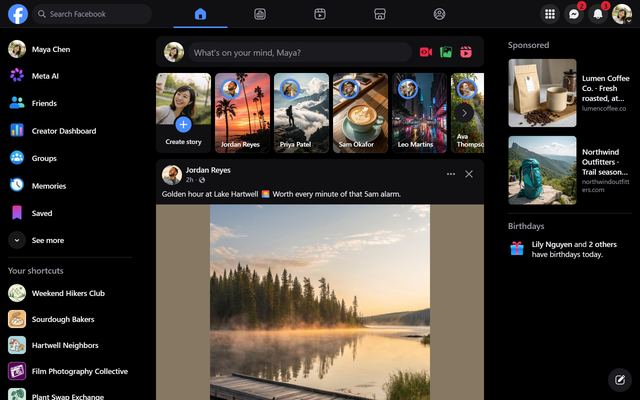
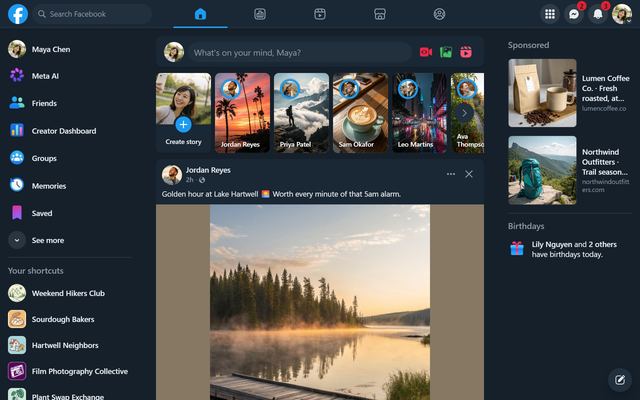
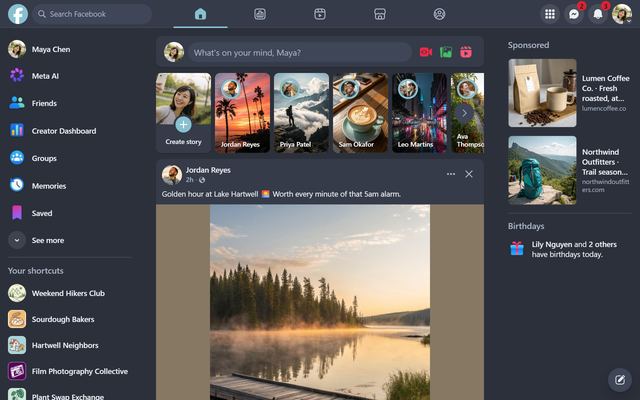
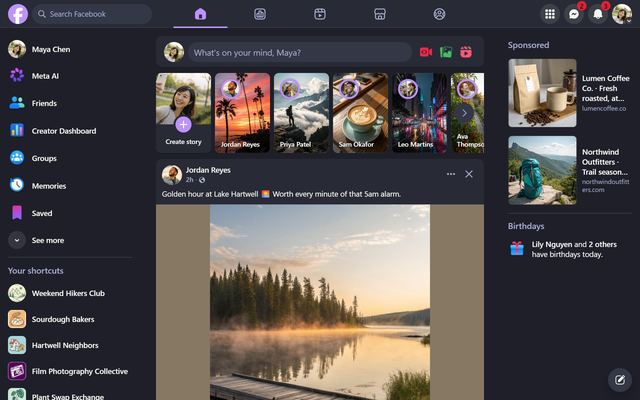
Profile Customizer replaces Facebook's colors everywhere at once: the feed, menus, chat, popups, Marketplace and every other page. Free dark themes include:
- Midnight: true black. On OLED screens black pixels switch off completely.
- Dim: a softer blue-gray.
- Nord and Forest: calm cool and green tones.
- High Contrast: black, white and yellow for maximum legibility.
Pro adds Dracula, Catppuccin Mocha, Tokyo Night, Gruvbox, Rosé Pine, Synthwave and more. See every theme.
Switch automatically at night
In the Themes tab, Switch automatically uses a light theme by day and a dark one at night. Match device follows your computer's light or dark setting and is free. Schedule lets you pick the hours yourself (Pro).
How to try it
- Add Profile Customizer to Chrome, Edge or Brave.
- Open facebook.com and open the customizer: click the round rainbow button at the bottom right, click the extension icon, or press Alt+Shift+C.
- Hover over a theme to preview it live, then click to keep it.
Questions
Does Facebook have dark mode on desktop?
Yes. Click your profile picture, then Display & accessibility, then Dark mode. It offers a single dark gray theme.
Can Facebook be true black?
Not with the built-in setting. Profile Customizer's free Midnight theme makes backgrounds pure black, which looks best on OLED screens.
Does a dark theme save battery?
On OLED and AMOLED screens black pixels use almost no power, so a true-black theme like Midnight can help. On regular LCD screens the difference is small.
Will other people see my dark theme?
No. Themes only change Facebook in your own browser.