 Profile Customizer
Make Facebook easier to read
Updated October 25, 2026
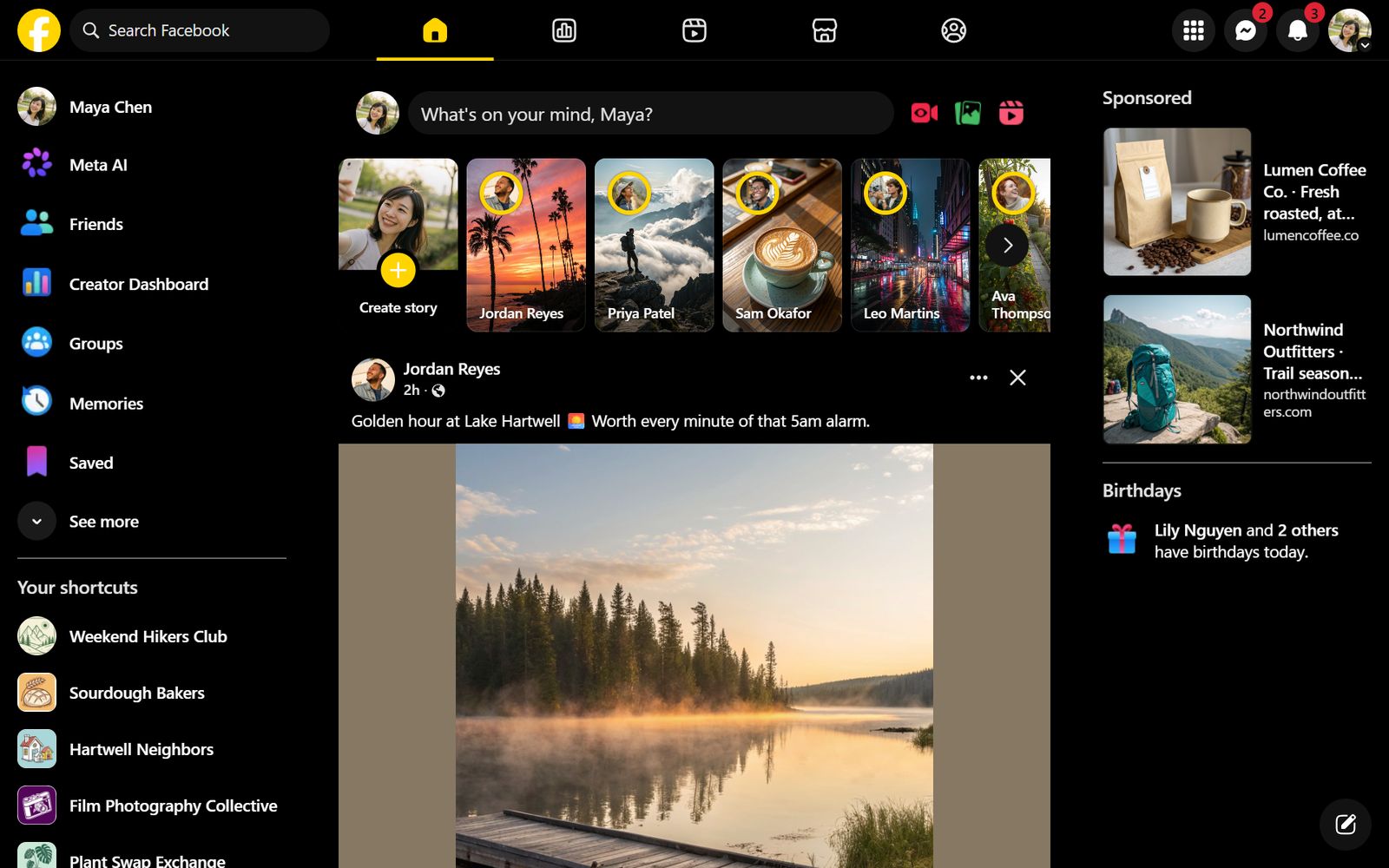
Facebook's text is small, its feed is busy and its colors can't be adjusted. If you have dyslexia, low vision or tired eyes, a few changes make a big difference, and most of them are free.
Bigger text, same layout
In the Fonts tab, the Text size slider enlarges text across Facebook, up to 130%, without blowing up photos and the layout the way browser zoom does (free).
Fonts designed for reading
- Lexend: letter spacing tuned to reduce visual crowding.
- Atkinson Hyperlegible: made by the Braille Institute so similar letters are easy to tell apart.
- OpenDyslexic: weighted letter shapes that many readers with dyslexia prefer.
All three are free. See every font.
Colors that are easier on the eyes
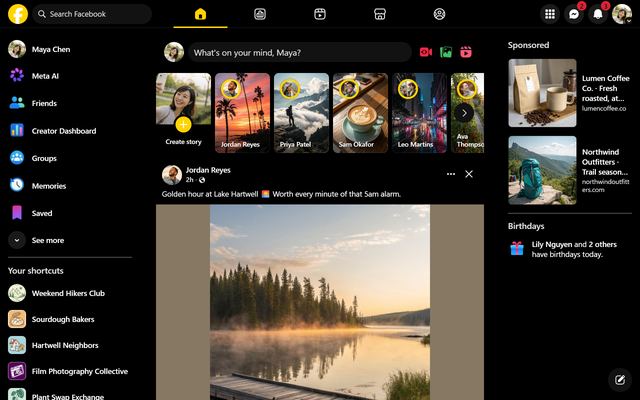
- High Contrast: black, white and yellow for maximum legibility.
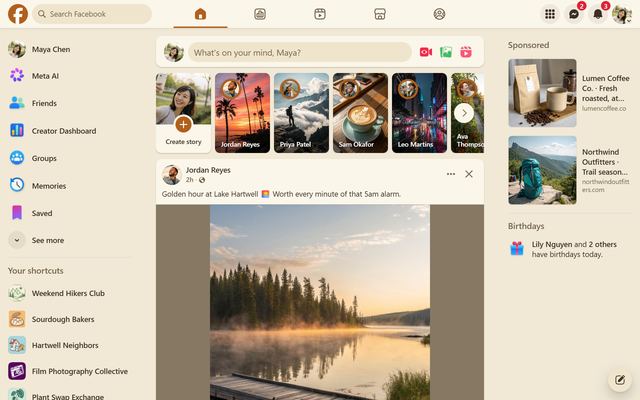
- Paper: warm cream with much less glare than white.
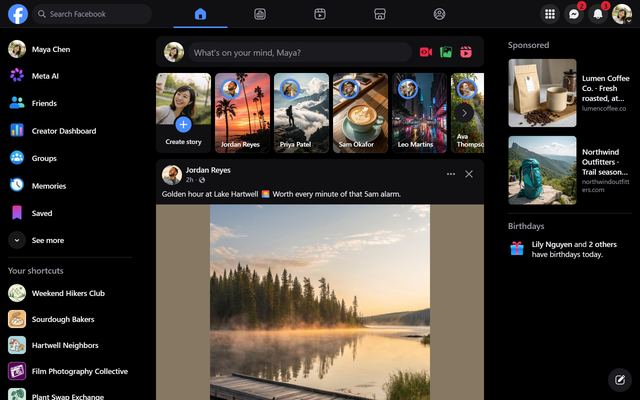
- Midnight or Dim for reading in the dark.
All free.
Less distraction and motion
- Hide Reels and the Stories bar in the Feed tab (free).
- Turn on Reduce motion in the Effects tab to stop animated effects.
How to try it
- Add Profile Customizer to Chrome, Edge or Brave.
- Open facebook.com and open the customizer: click the round rainbow button at the bottom right, click the extension icon, or press Alt+Shift+C.
- Try fonts and themes with live preview, and keep what reads best.
Questions
Is OpenDyslexic free?
Yes. OpenDyslexic, Lexend and Atkinson Hyperlegible are all in the free version.
Is this the same as browser zoom?
Zoom makes everything bigger, including images and the layout, so you scroll more. The Text size slider only enlarges text.
Does it work with screen readers?
Yes. Profile Customizer only changes how Facebook looks, so Facebook's screen reader support is unchanged.