 Profile Customizer
How to mute words on Facebook
Updated October 25, 2026
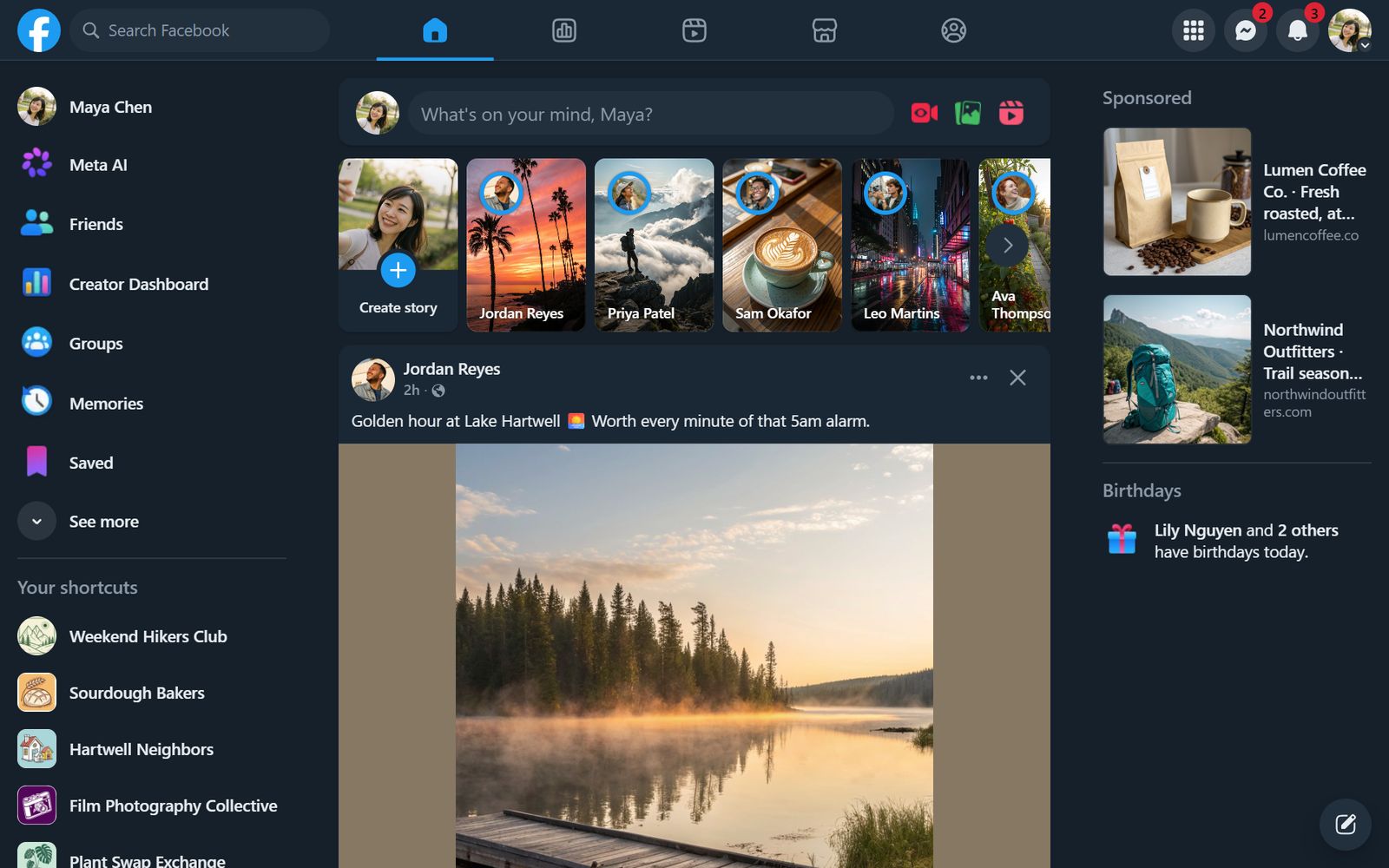
X and Instagram let you mute words. Facebook doesn't: you can snooze a friend, Page or group for 30 days, but you can't hide posts about a topic. A keyword filter fixes that.
What Facebook offers
- Snooze for 30 days: from a post's ··· menu, snooze the person, Page or group that posted it.
- Unfollow: stop seeing someone's posts without unfriending them.
Both work on people, not words. A spoiler from someone you like still gets through.
Mute words with Profile Customizer
- Open facebook.com and open the customizer: click the round rainbow button at the bottom right, click the extension icon, or press Alt+Shift+C.
- Go to the Feed tab. Under Mute words, type a word or phrase and click Add.
- Posts that mention it, in the post or its visible comments, are hidden as they load.
Add as many as you like, and remove one with a click when you're ready to see it again. Matching ignores capital letters, and a word also matches longer words that contain it (Pro).
Ideas for your list
- TV and movie spoilers during a new season
- Politics and elections
- A sports team after a bad loss
- Giveaways and chain posts
Questions
Does Facebook have a keyword filter?
Pages and groups can filter comments by keyword, but there's no keyword filter for your own feed. Profile Customizer adds one on desktop.
Is the filter case-sensitive?
No. "Election" and "election" are treated the same.
Does it hide the whole post?
Yes. Any post in your feed that mentions a muted word is hidden entirely.