 Profile Customizer
How to put a background picture on Facebook
Updated October 25, 2026
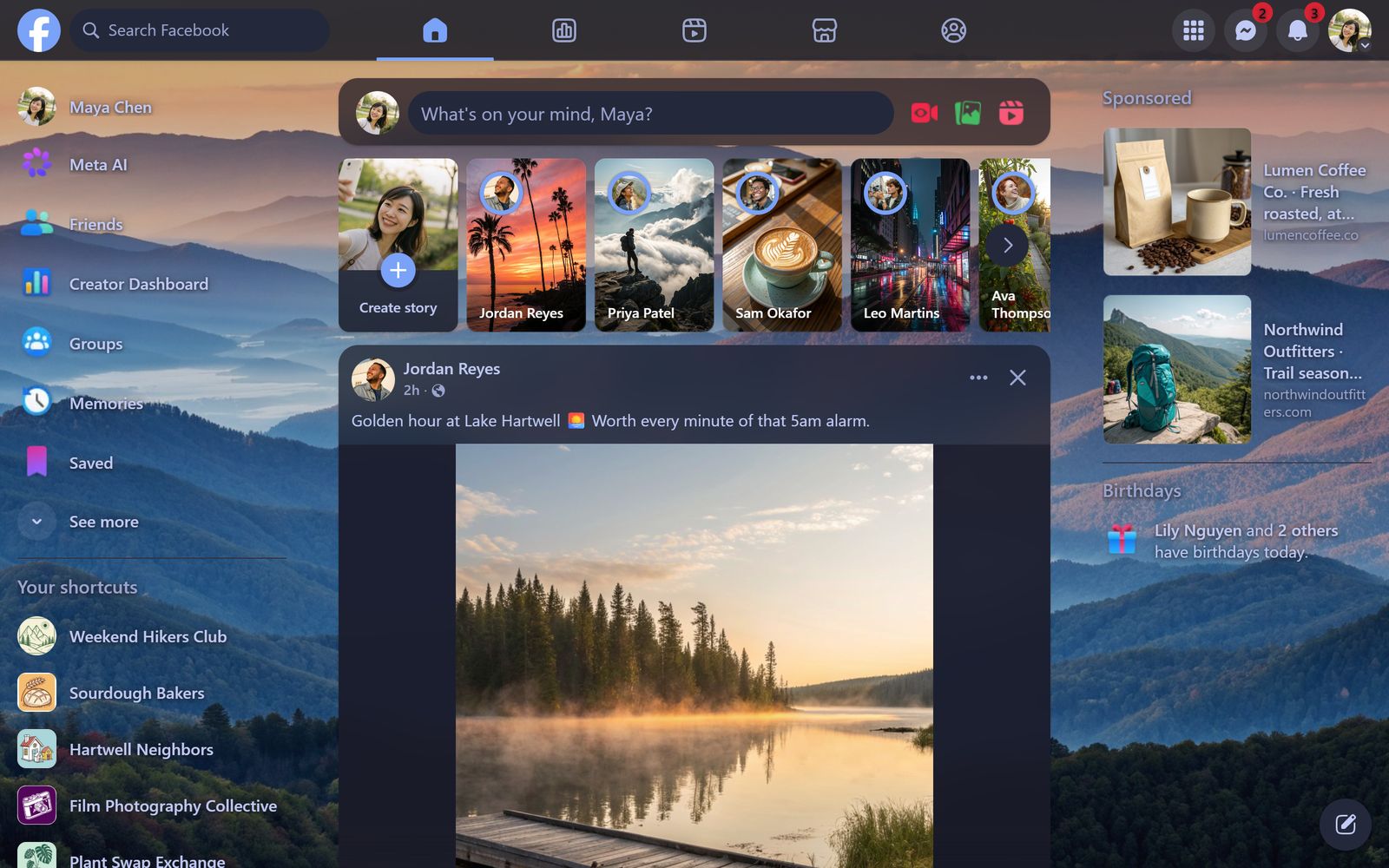
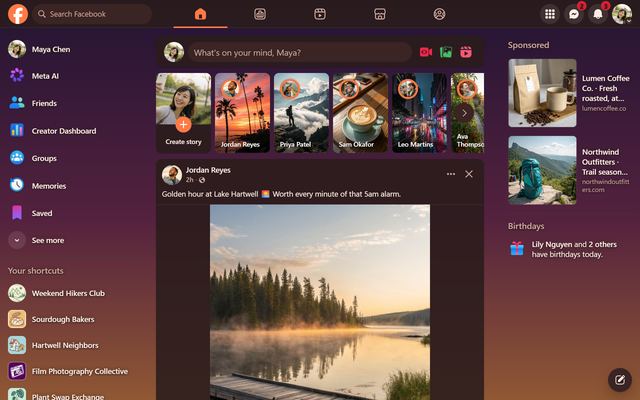
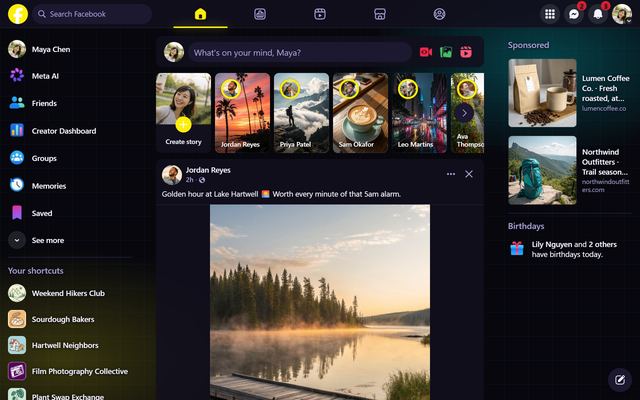
Facebook's page background is plain gray, or dark gray in dark mode, and there's no option to change it. Profile Customizer adds wallpapers behind the whole site: patterns that match your theme, or a photo of your own.
Choose a wallpaper
- Open facebook.com and open the customizer: click the round rainbow button at the bottom right, click the extension icon, or press Alt+Shift+C.
- Go to the Style tab and scroll to Wallpaper. Wallpapers are tinted to match your theme.
- Pick one. Aurora, Gradient and Dots are free. Mesh, Sunset, Synthwave, Starfield, Blueprint, Neon Circuit, Scanlines, Waves, Petals and Film Grain come with Pro.
Use your own photo
Click Your photo and choose any image on your computer. It's resized and kept only in your browser, and it's never uploaded (Pro).
Keep posts readable
- Dim darkens the wallpaper.
- Blur softens busy photos.
- Card opacity lets the picture show through posts.
- Frosted glass blurs what's behind each card, like frosted glass (Pro).
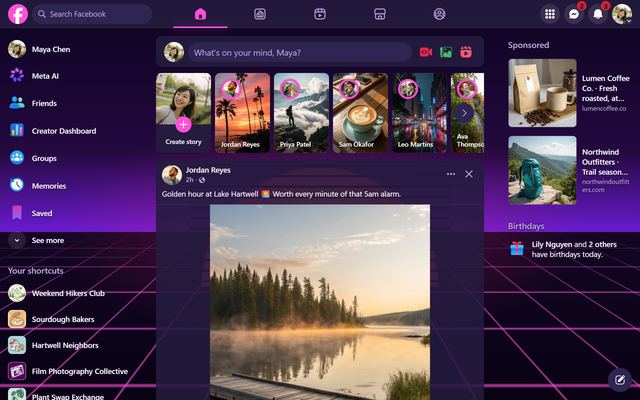
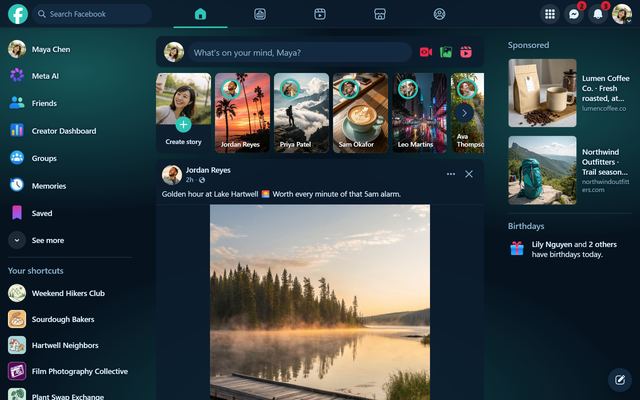
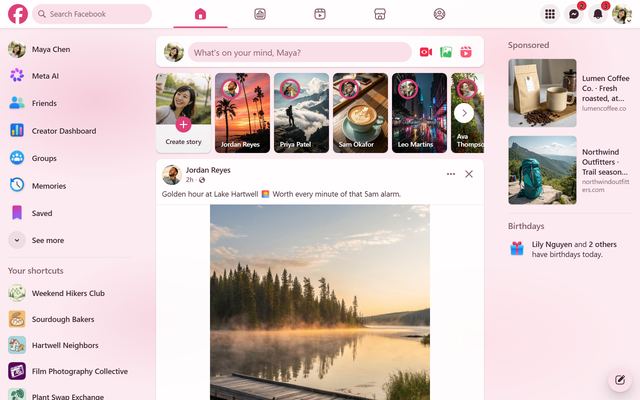
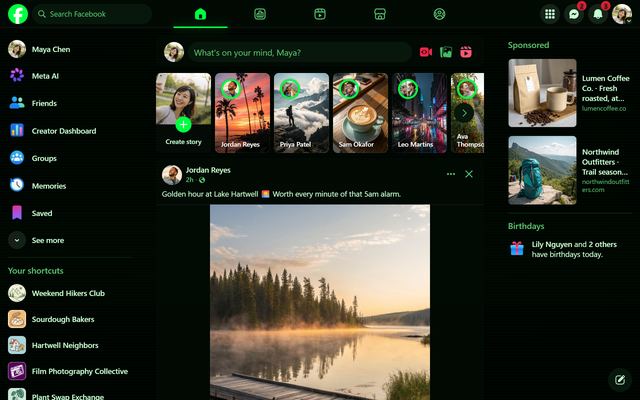
Some themes come with their own wallpaper, like Synthwave, Deep Ocean, Matrix and Sakura.
Questions
Can I change my Facebook background for everyone?
No. This wallpaper is only on your screen. To change what other people see, update your cover photo.
Is my photo uploaded anywhere?
No. The photo is shrunk and kept in your browser's storage on that computer.
Will a wallpaper slow Facebook down?
No. A wallpaper is a single background layer. Frosted glass uses your graphics card and is fine on most computers; turn it down if you notice lag.