 Profile Customizer
How to hide suggested posts and People You May Know
Updated October 25, 2026
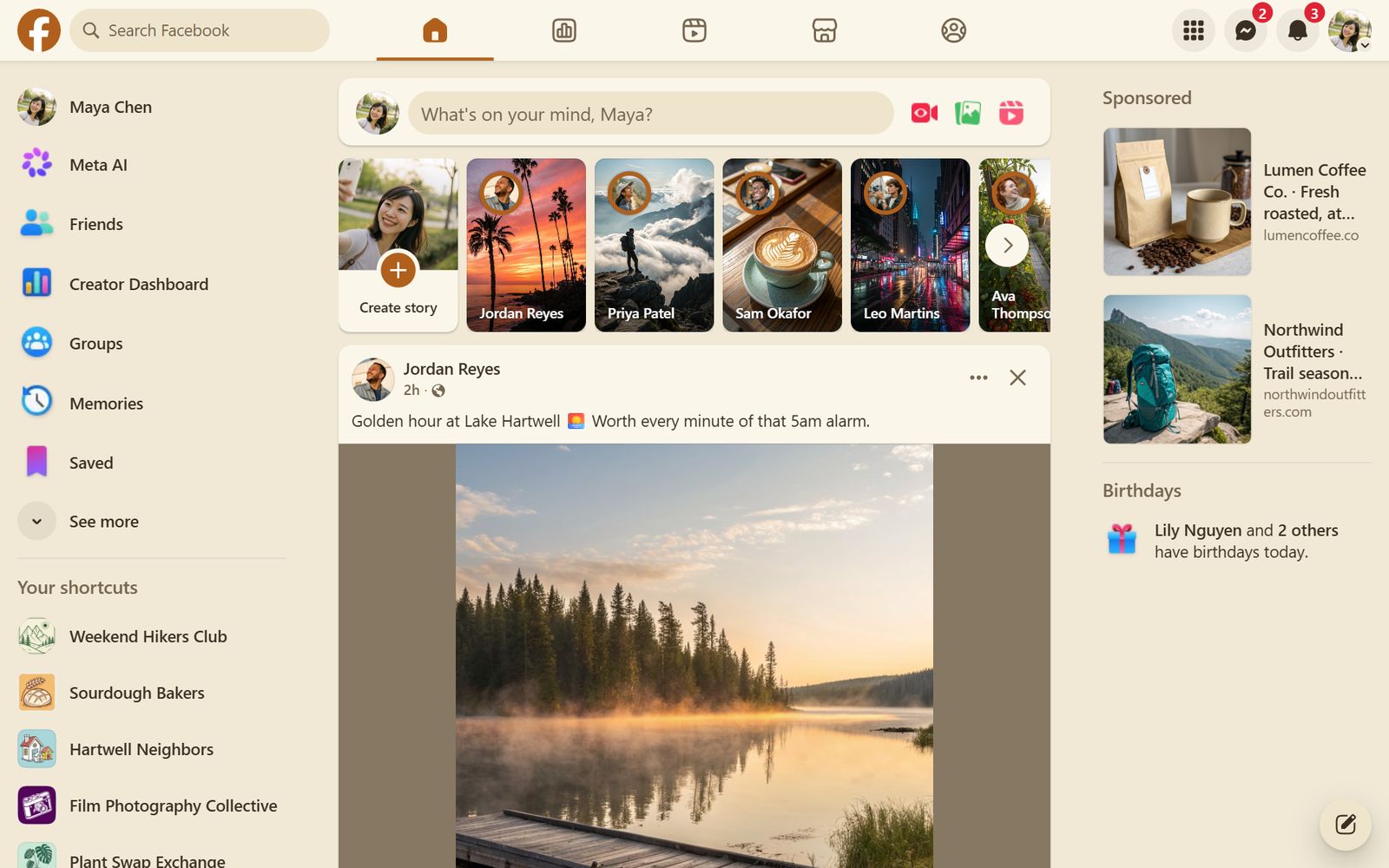
More and more of the Facebook feed is "Suggested for you": posts from Pages, groups and people you don't follow, plus the People You May Know carousel. Facebook doesn't let you switch these off, but there are ways around it.
Built-in options
- Feeds → Friends: in the left menu, open Feeds and choose Friends to see only friends' posts, newest first. You have to pick it each time.
- On a suggested post, the ··· menu offers Hide post or Show less, which only affects similar posts.
- The People You May Know row can be hidden from its own menu, but it comes back.
Hide them automatically
- Open facebook.com and open the customizer: click the round rainbow button at the bottom right, click the extension icon, or press Alt+Shift+C.
- Go to the Feed tab.
- Turn on Suggested posts and People You May Know.
Profile Customizer recognizes suggested posts as they load and removes them, so your normal Home feed shows posts from friends and from the groups and Pages you follow (Pro).
Want to go further? Hide Reels and Stories too, or mute words like spoilers or politics.
Questions
How do I stop suggested posts on Facebook?
There's no setting to stop them. Use Feeds → Friends to see only friends, or Profile Customizer Pro to hide suggested posts from your Home feed.
Does hiding suggested posts hide ads?
No. Sponsored posts are separate, and this option doesn't change them.
Does Facebook know I hid them?
Profile Customizer doesn't send anything to Facebook. It only changes what your browser shows.